• Welcome to your new Gnomio site

    Now, you are in control!

    Moodle is an open-source Learning Management System (LMS) that provides educators with the tools and features to create and manage online courses. It allows educators to organize course materials, create quizzes and assignments, host discussion forums, and track student progress. Moodle is highly flexible and can be customized to meet the specific needs of different institutions and learning environments.

    Moodle supports both synchronous and asynchronous learning environments, enabling educators to host live webinars, video conferences, and chat sessions, as well as providing a variety of tools that support self-paced learning, including videos, interactive quizzes, and discussion forums. The platform also integrates with other tools and systems, such as Google Apps and plagiarism detection software, to provide a seamless learning experience.

    Moodle is widely used in educational institutions, including universities, K-12 schools, and corporate training programs. It is well-suited to online and blended learning environments and distance education programs. Additionally, Moodle's accessibility features make it a popular choice for learners with disabilities, ensuring that courses are inclusive and accessible to all learners.

    The Moodle community is an active group of users, developers, and educators who contribute to the platform's development and improvement. The community provides support, resources, and documentation for users, as well as a forum for sharing ideas and best practices. Moodle releases regular updates and improvements, ensuring that the platform remains up-to-date with the latest technologies and best practices.

    Links of interest:
    (You can edit or remove this text)

Available courses

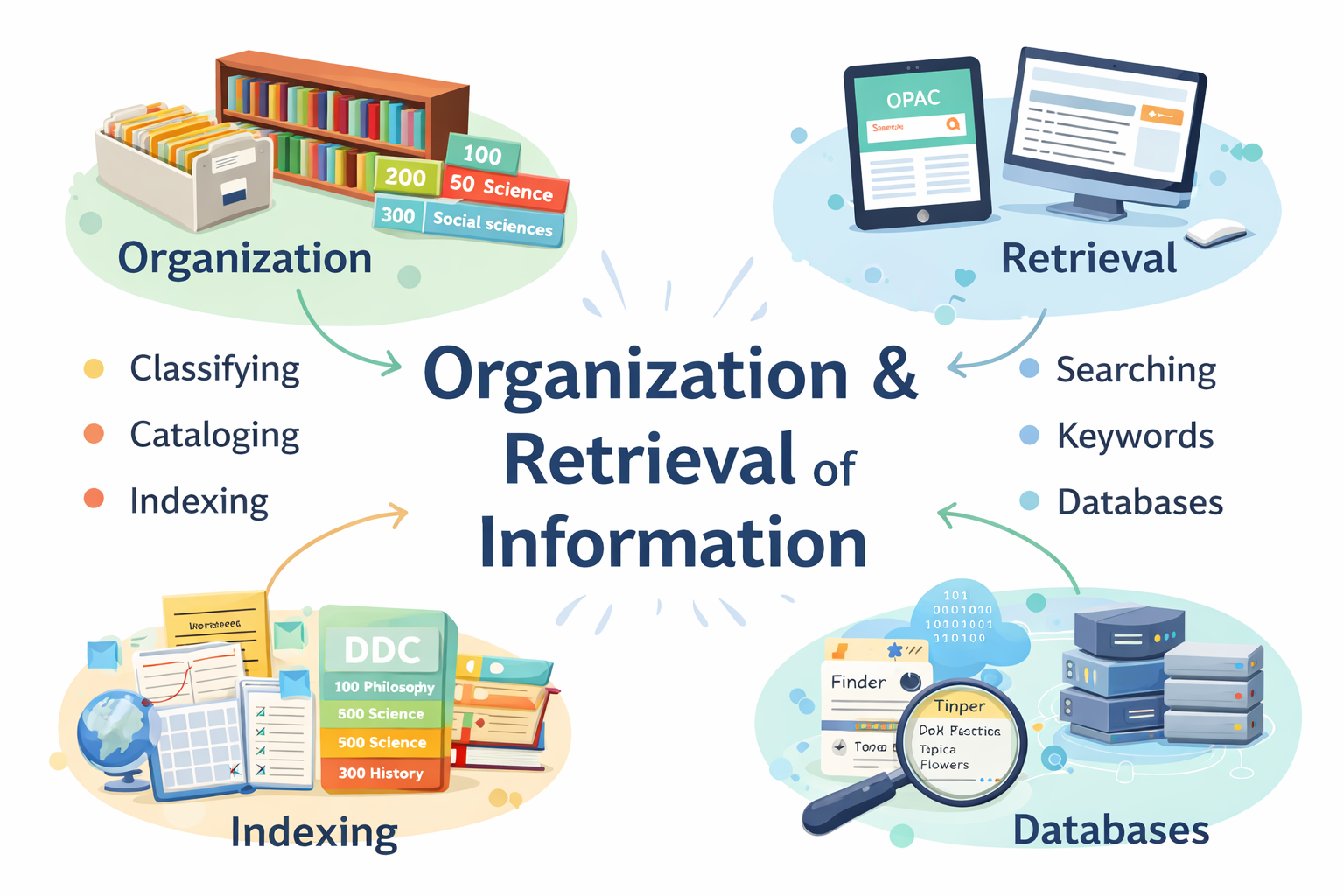
📚 Course Summary: Organization and Retrieval of Information

1. Introduction

This course focuses on how information is organized, stored, and accessed efficiently in libraries, databases, and digital systems. It ensures that users can find relevant information quickly and accurately.


2. Organization of Information

This involves arranging information resources in a systematic way for easy access.

Key Concepts:

  • Cataloguing
    Describing information materials (books, journals, etc.) using standard rules.
  • Classification
    Grouping materials based on subject using systems like:
    • Dewey Decimal Classification (DDC)
    • Library of Congress Classification (LCC)
  • Metadata
    Data about data (e.g., author, title, subject)
  • Indexing and Abstracting
    Summarizing and assigning keywords to documents

3. Information Retrieval (IR)

This refers to the process of searching for and obtaining relevant information from a collection or database.

Components:

  • User Query – what the user is searching for
  • Search System – database or catalog
  • Matching Process – comparing query with stored data
  • Results (Output) – relevant documents retrieved

4. Information Retrieval Systems

Systems designed to help users locate information efficiently.

Examples:

  • OPAC (Online Public Access Catalogue)
  • Digital libraries
  • Search engines like Google

5. Indexing and Search Techniques

  • Keyword searching
  • Boolean operators (AND, OR, NOT)
  • Controlled vocabulary
  • Subject headings (e.g., Library of Congress Subject Headings)

6. Evaluation of Information Retrieval

Measures how effective a system is:

  • Precision – relevance of retrieved results
  • Recall – completeness of retrieved results

7. Digital Information and Modern Trends

  • Digital libraries and repositories
  • Automation in libraries
  • Use of AI in search and retrieval
  • Online databases and e-resources

8. Importance of the Course

  • Enhances efficient information access
  • Supports research and learning
  • Improves library services
  • Helps manage large volumes of information.
 

Site announcements

There are no discussion topics yet in this forum.